
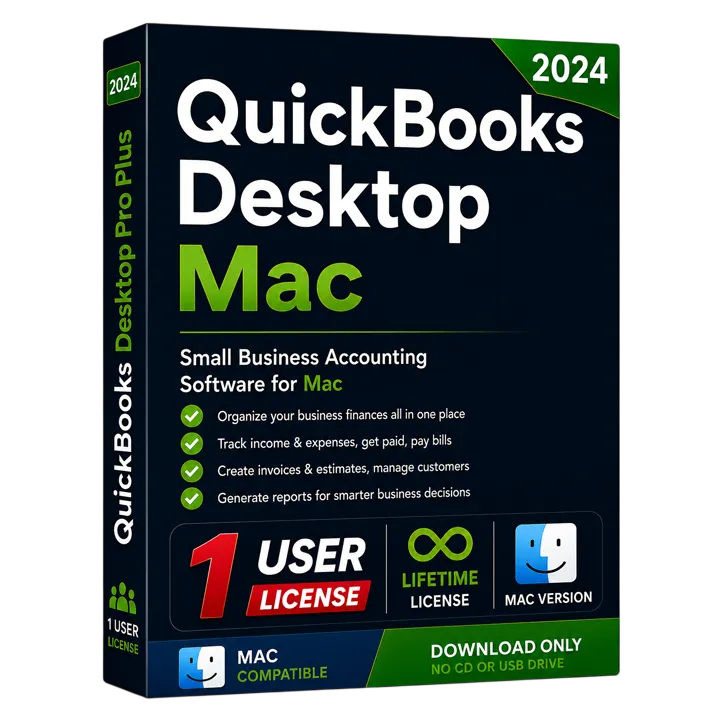
QuickBooks Desktop Mac Plus 2024 US Edition
Native QuickBooks Desktop accounting for macOS. One-time purchase, genuine license, instant delivery.
One-time payment · No subscription
Lifetime License
One-time payment
Genuine Intuit
100% Authentic
Instant Delivery
Delivery in minutes

Instant Delivery
Get your license key
within minutes
60-Day Money Back
If it doesn't activate,
we fix it or refund
Secure Payment
Encrypted checkout
Need Help?
Chat with our support
We're here to help
What you get, step by step
From payment to a working copy of QuickBooks — usually in a few minutes.
Instant access to your purchase
As soon as your payment clears, we email you the official Intuit download link for the exact edition you bought — no waiting, no shipping.
Your genuine licence details
The same email carries the credentials that activate your copy. Keep them safe: they are what proves the licence is yours.
Install and activate
Run the installer, paste your codes into the activation screen, and you are working. If anything blocks, our step-by-step guide covers it.
Installation guide
What your licence looks like
Format only — your real codes arrive by email.
- License number
- XXXX-XXXX-XXXX-XXX
- Product number
- XXX-XXX
- Validation code
- Included with your key
Overview
QuickBooks Desktop Mac Plus 2024 US Edition
Native QuickBooks Desktop accounting for macOS. One-time purchase, genuine license, instant delivery.
QuickBooks Desktop Mac Plus 2024 is the Mac-native accounting application for small businesses that run on Apple hardware and want a one-time license instead of a cloud subscription. It is designed from the ground up for macOS, with a familiar Mac interface, native menus and Apple-style usability that Windows editions can't match on a Mac.
Mac Plus covers the core accounting a small business needs: create and email customizable invoices and estimates, track income and expenses, manage customers and vendors, reconcile bank accounts, handle sales tax and run essential financial reports such as profit & loss and balance sheet. It supports basic inventory, batch invoicing, and importing bank transactions, and it can share documents through iCloud and integrate with Apple Contacts and Calendar. Layout and form customisation, plus one-click reports, keep day-to-day bookkeeping quick and visual.
It's important to understand how the Mac edition differs from QuickBooks Desktop for Windows. Mac Plus does not include the industry-specific editions, advanced inventory, sales orders or the breadth of reports found in Premier and Enterprise on Windows. Multi-user access is supported for up to three users on a Mac network. Many Mac businesses also use it to hand clean books to a Windows-based accountant at year end. If your workflow depends on Windows-only features, plan for that before switching; for most Mac-based small businesses, Mac Plus delivers exactly what they need with the comfort of a native Mac app.
As a Desktop edition, Mac Plus 2024 is installed on your Mac and licensed once for the 2024 release with no recurring subscription. You receive the genuine Intuit download and activation key, your data stays on your own machine, and you pay a single price. It runs natively on current macOS releases, so it feels at home alongside your other Mac apps. For Apple-first small businesses that want straightforward, private, no-subscription bookkeeping, QuickBooks Mac Plus 2024 is the right choice.
- Designed for Mac (Intel & Apple Silicon)
- One-time payment — no monthly fees
- Genuine license, instant delivery
- Works offline on your Mac
- Native macOS experience
- Track income, expenses & bills
- Create & send invoices
- Insightful financial reports
- Genuine Intuit downloadOfficial installer link
- One-time purchaseNo subscription, no renewal
- Installed locallyRuns on your own machine
- Your data stays yoursCompany file never leaves your PC
Key features
Everything included in Mac Plus 2024 US Edition
6 capabilities, all covered by the one-time licence.
- Native macOS experience
- Track income, expenses & bills
- Create & send invoices
- Insightful financial reports
- Bank reconciliation
- Automated backups
What's included
Everything that arrives in your delivery email
Sent to the address you check out with — nothing ships, and there is nothing else to buy.
- QuickBooks Desktop Mac Plus 2024 US Edition
- License key (1 User)
- Designed for Mac (Intel & Apple Silicon)
- One-time payment — no monthly fees
- Genuine license, instant delivery
- Works offline on your Mac
- Installation support included
- 60-day refund policy — we fix it or refund you
Requirements & specs
System requirements & specifications
Check your computer meets the requirements, and see exactly what this licence covers.
System requirements
What your computer needs for a clean install.
- Operating systemmacOS Monterey 12 or later
- ProcessorIntel or Apple Silicon (M1/M2/M3)
- RAM4 GB minimum (8 GB recommended)
- Disk space4.4 GB available
- Display1280×800 or higher
- InternetRequired for download, activation and updates
Product specifications
What you get with QuickBooks Desktop Mac Plus 2024 US Edition.
- Edition
- Mac Plus 2024
- Users
- Up to 3
- Platform
- macOS 12+ (Intel/Apple Silicon)
- License type
- One-time purchase
- Delivery
- Instant email delivery
- Support
- Chat + email
What our customers say
5.0 out of 5 based on 2 reviewsNY, USA
Smooth transition from my old accounting software
I was concerned about moving my accounting data, but the process was much easier than expected. The software is running perfectly.
OH,USA
Perfect for my Mac
Installation was simple and the software works perfectly on my Mac. I received the instructions quickly and everything was easy to follow.
FAQ
Questions about this product
Find quick answers to the most common questions about QuickBooks Desktop Mac Plus 2024 US Edition.
Is this edition right for you?
Who should buy it
- Small businesses that work primarily on macOS and want a native Mac accounting app.
- Owners who prefer a one-time license over a QuickBooks Online subscription.
- Mac users who need core accounting on a single Mac rather than Windows-only advanced features.
Best use cases
- Native Mac invoicing & expense tracking
- Bank reconciliation and sales tax
- Essential financial reporting
- iCloud document sharing & Apple Contacts/Calendar
Ideal business types
- Mac-based freelancers & studios
- Creative agencies
- Small service businesses on Apple hardware
- Consultants
How it compares
Mac vs Windows (Desktop)
QuickBooks Desktop for Windows (Pro, Premier, Enterprise) offers industry editions, advanced inventory, sales orders and more reports, while the Mac edition focuses on core accounting with a native Mac experience. Mac Plus is sold here as a single-user licence, so choose it for an Apple-native workflow on one machine; choose a Windows edition if you need several people in the file at once, or those advanced features.
Mac Plus vs Desktop Online
Mac Plus is a one-time license installed on your Mac with no monthly fee and local data. QuickBooks Online is a cross-platform cloud subscription. If you want activation and to keep data on your Mac, Mac Plus is the better value.
Download, install & activation guide
Your license is delivered by email with the official Intuit download link and your product codes. Follow these steps to get up and running in minutes.
- 1
Download
Your purchase email contains the official Intuit download for QuickBooks Desktop Mac Plus 2024 plus your license and product numbers.
- 2
Install
Open the downloaded .dmg, drag QuickBooks to your Applications folder and launch it. Allow the macOS security prompt the first time you open the app.
- 3
Activate
In QuickBooks for Mac, open the registration/activation screen and enter the License and Product numbers from your PDF.
- 4
Troubleshoot
If activation fails, confirm your Mac is online and that you entered the codes exactly as shown, or reply to our email and our support team will walk you through it.
Why customers trust FinoTax
Secure Checkout
Payments are processed over encrypted, PCI-compliant providers.
Fast Digital Delivery
Your license is delivered by email after payment — usually within minutes.
Email Customer Support
Real help with download, install and activation — just reply to your email.
Refund Policy Available
Orders are covered by our published refund policy.
Privacy Protected
We only collect what's needed to fulfil your order. See our privacy policy.
Instant Order Confirmation
You get an on-screen and email confirmation as soon as your payment completes.
You may also like
 Most Popular20241 User
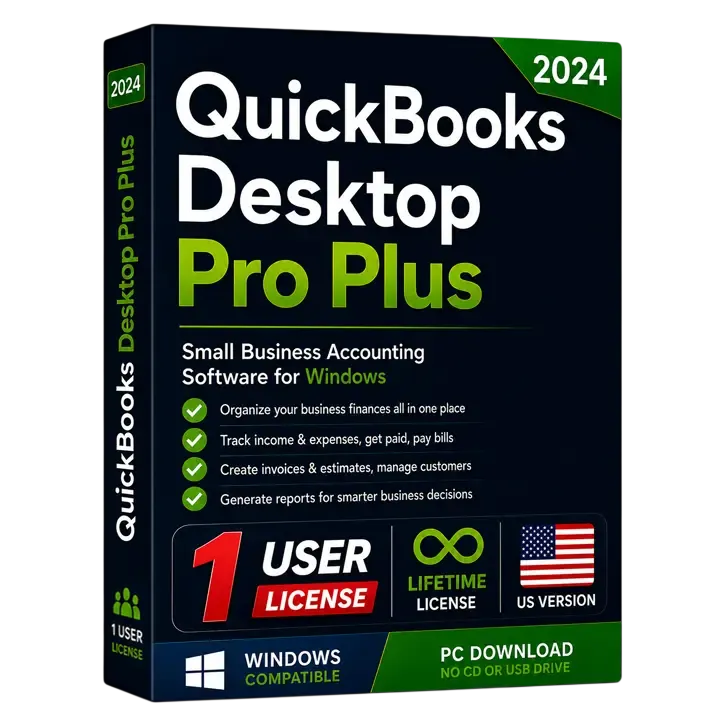
QuickBooks Desktop Pro Plus 2024 US Edition (1-User)
Powerful desktop accounting for a single user. One-time purchase, genuine license key, instant email delivery.
 20242 Users
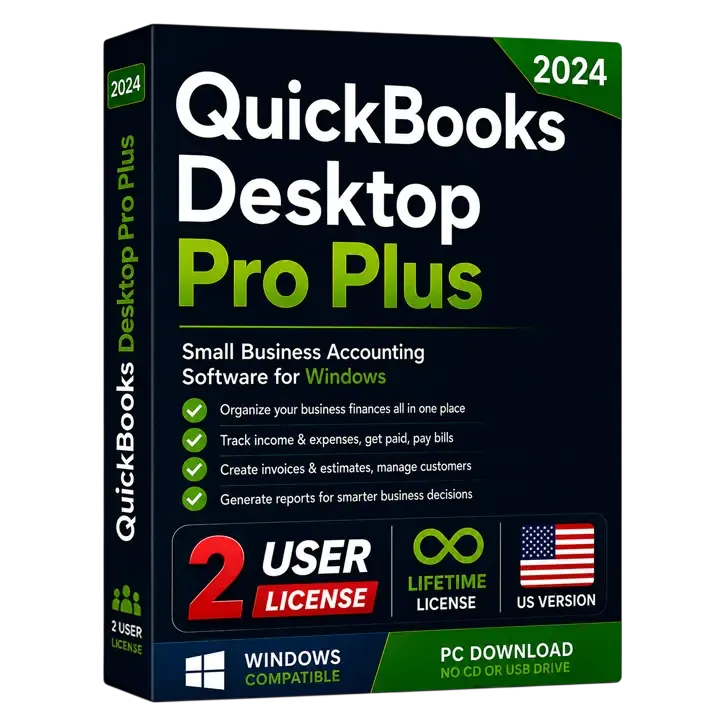
QuickBooks Desktop Pro Plus 2024 US Edition (2 Users)
Powerful desktop accounting for up to 2 users. One-time purchase, genuine license key, instant email delivery.
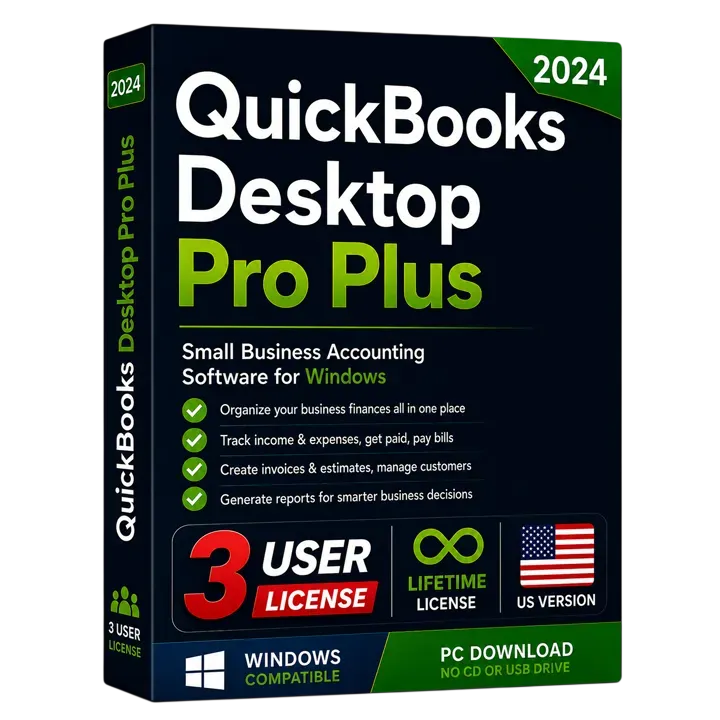 20243 Users
QuickBooks Desktop Pro Plus 2024 US Edition (3 Users)
Powerful desktop accounting for up to 3 users. One-time purchase, genuine license key, instant email delivery.
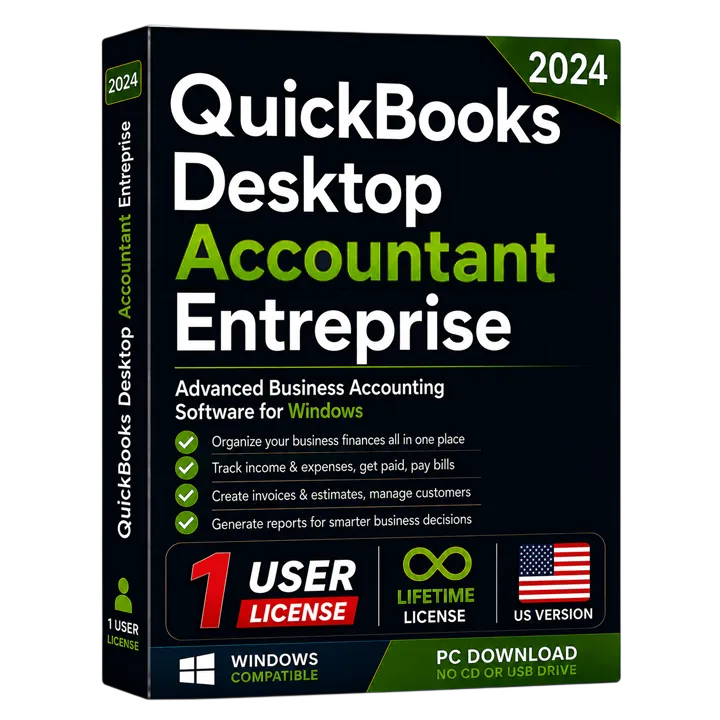 Enterprise + Accountant20241 User
QuickBooks Desktop Enterprise Accountant 2024 US Edition
Enterprise-scale accounting with the professional accountant toolkit, licensed for a single user. One-time purchase with instant email delivery.
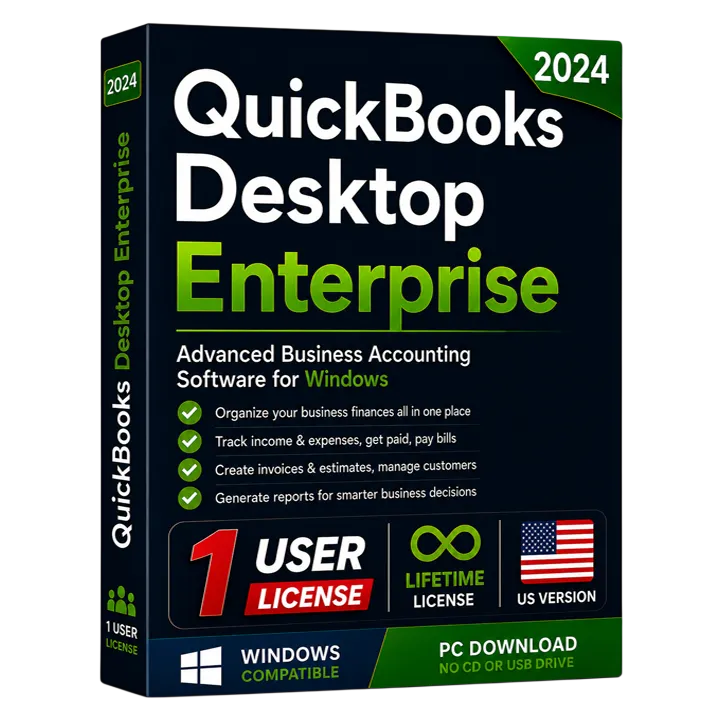 For Larger Teams20241 User
QuickBooks Desktop Enterprise Solutions 2024 US Edition
Advanced inventory, reporting and capacity for growing businesses, licensed for a single user. One-time purchase with instant email delivery.
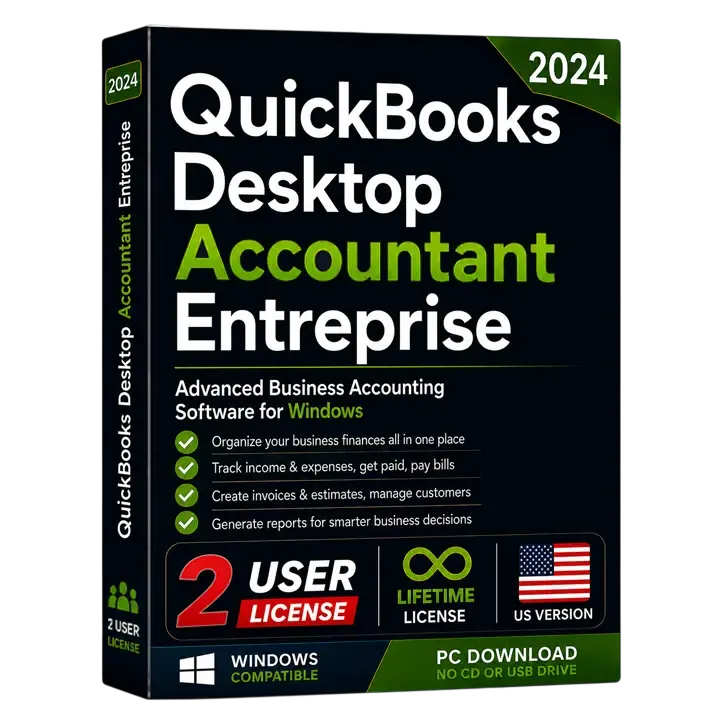 Enterprise + Accountant20242 Users
QuickBooks Desktop Enterprise Accountant 2024 US Edition (2 Users)
Enterprise-scale accounting with the professional accountant toolkit, licensed for up to 2 simultaneous users. One-time purchase with instant email delivery.
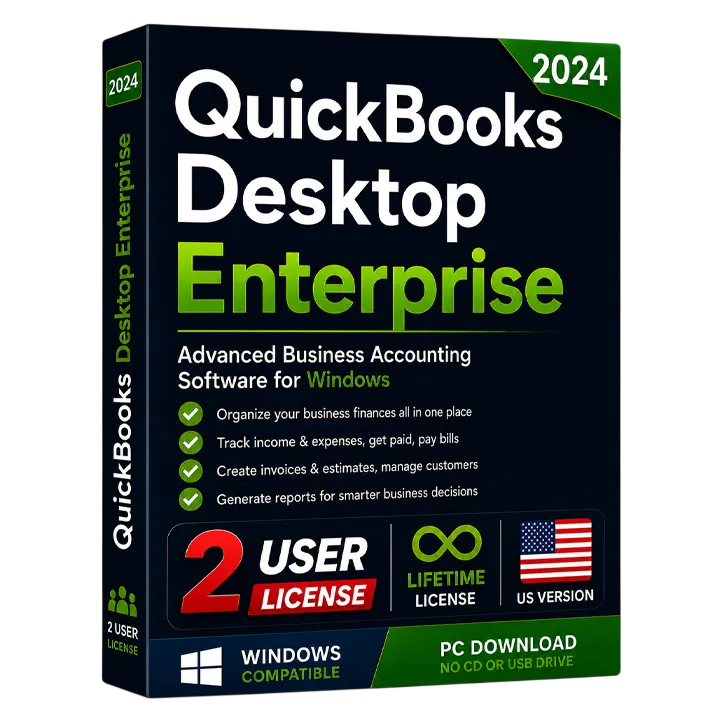 For Larger Teams20242 Users
QuickBooks Desktop Enterprise Solutions 2024 US Edition (2 Users)
Advanced inventory, reporting and capacity for growing businesses, licensed for up to 2 simultaneous users. One-time purchase with instant email delivery.
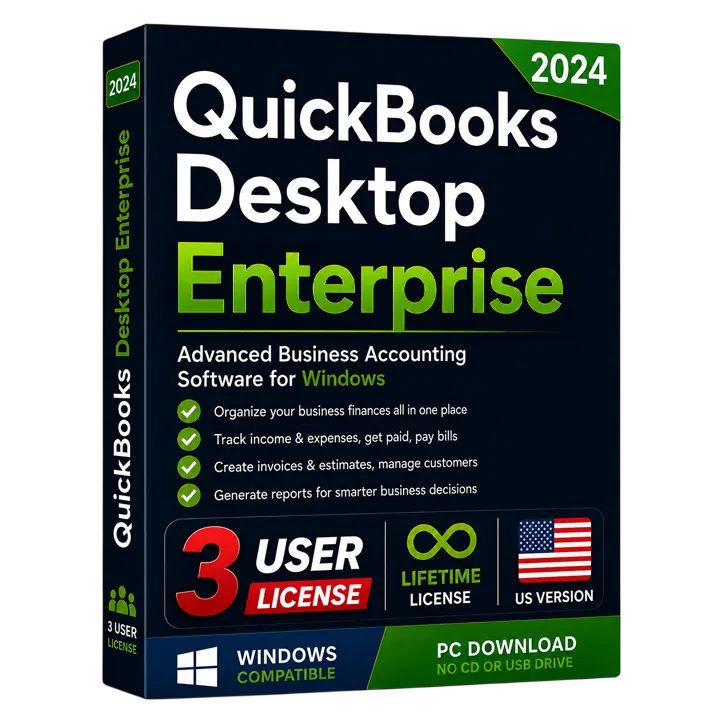 For Larger Teams20243 Users
QuickBooks Desktop Enterprise Solutions 2024 US Edition (3 Users)
Advanced inventory, reporting and capacity for growing businesses, licensed for up to 3 simultaneous users. One-time purchase with instant email delivery.
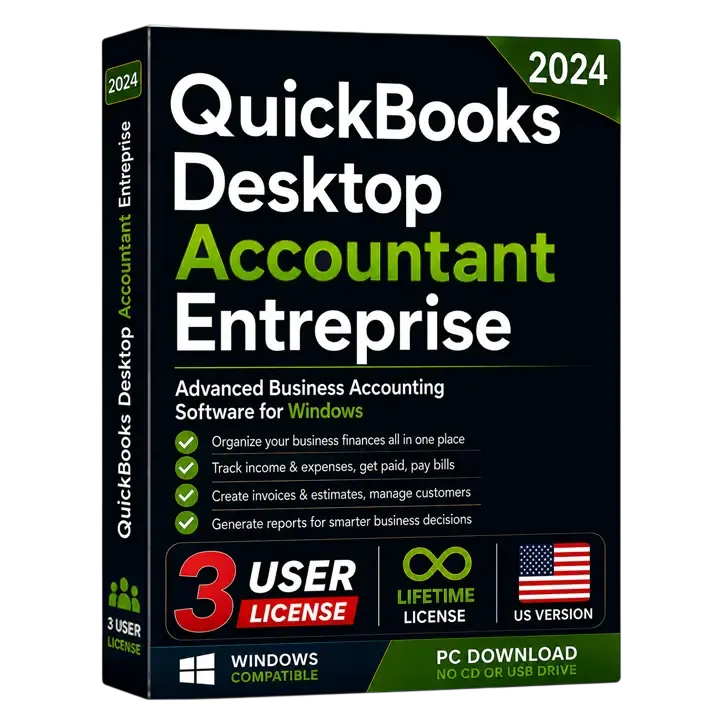 Enterprise + Accountant20243 Users
QuickBooks Desktop Enterprise Accountant 2024 US Edition (3 Users)
Enterprise-scale accounting with the professional accountant toolkit, licensed for up to 3 simultaneous users. One-time purchase with instant email delivery.
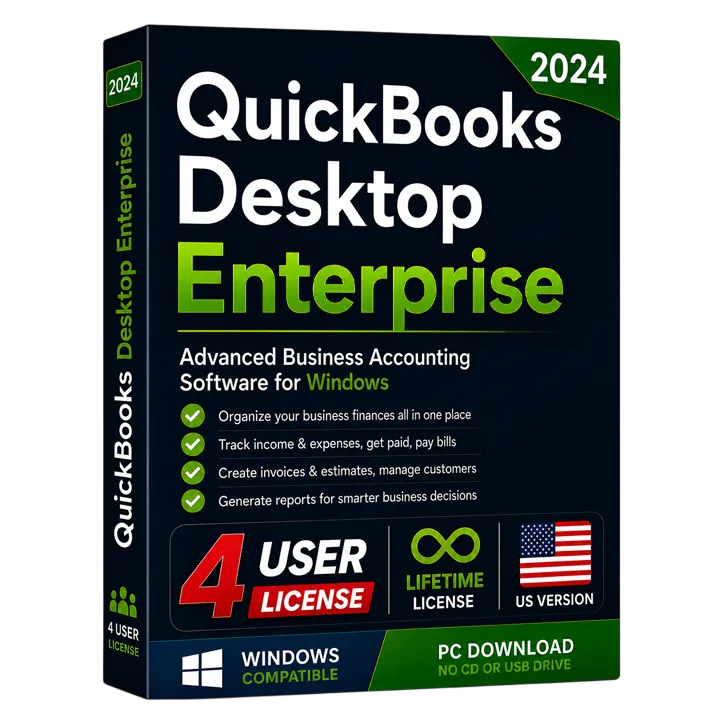 For Larger Teams20244 Users
QuickBooks Desktop Enterprise Solutions 2024 US Edition (4 Users)
Advanced inventory, reporting and capacity for growing businesses, licensed for up to 4 simultaneous users. One-time purchase with instant email delivery.
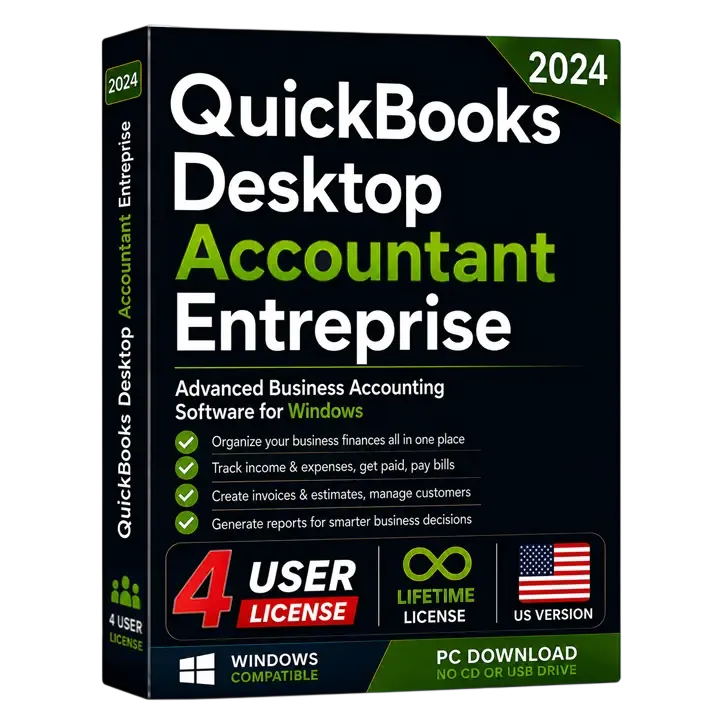 Enterprise + Accountant20244 Users
QuickBooks Desktop Enterprise Accountant 2024 US Edition (4 Users)
Enterprise-scale accounting with the professional accountant toolkit, licensed for up to 4 simultaneous users. One-time purchase with instant email delivery.
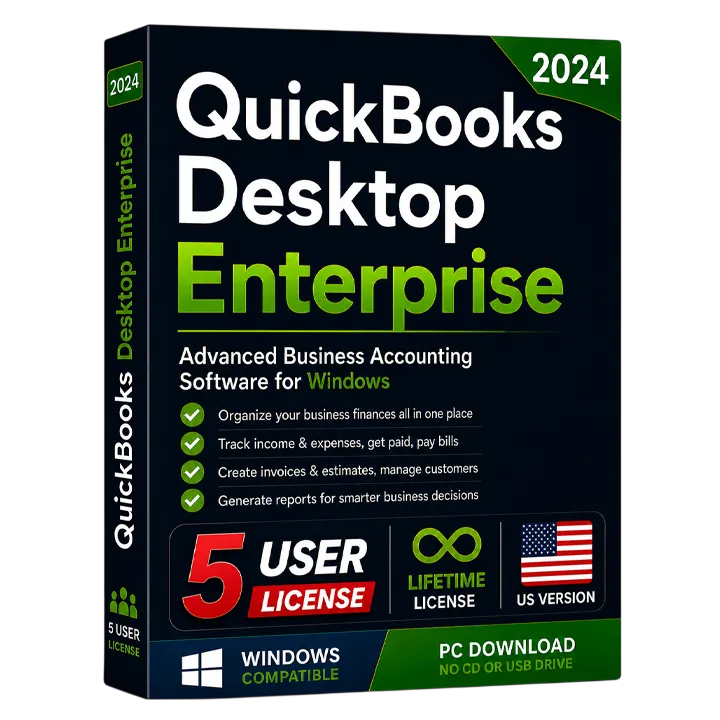 For Larger Teams20245 Users
QuickBooks Desktop Enterprise Solutions 2024 US Edition (5 Users)
Advanced inventory, reporting and capacity for growing businesses, licensed for up to 5 simultaneous users. One-time purchase with instant email delivery.
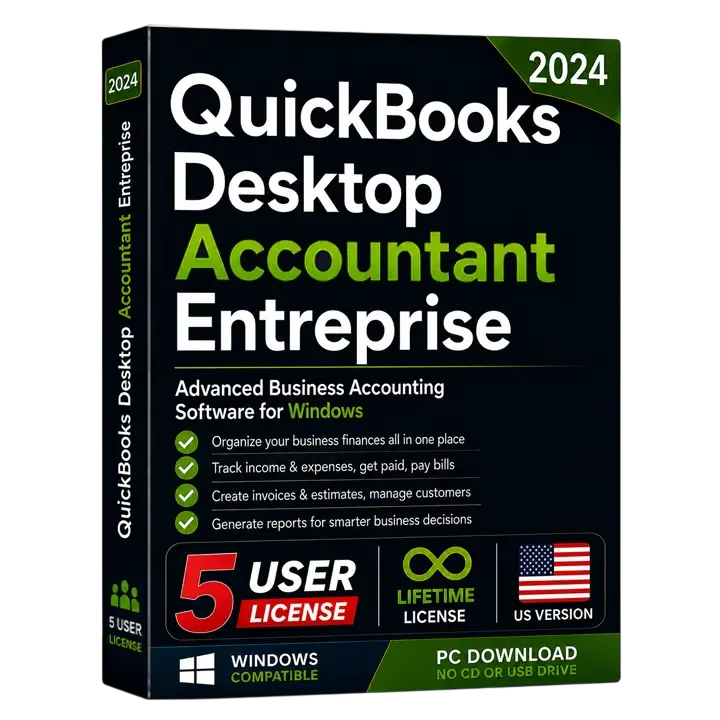 Enterprise + Accountant20245 Users
QuickBooks Desktop Enterprise Accountant 2024 US Edition (5 Users)
Enterprise-scale accounting with the professional accountant toolkit, licensed for up to 5 simultaneous users. One-time purchase with instant email delivery.